
Windows updater for the Rotorflight Lua Ethos Suite.
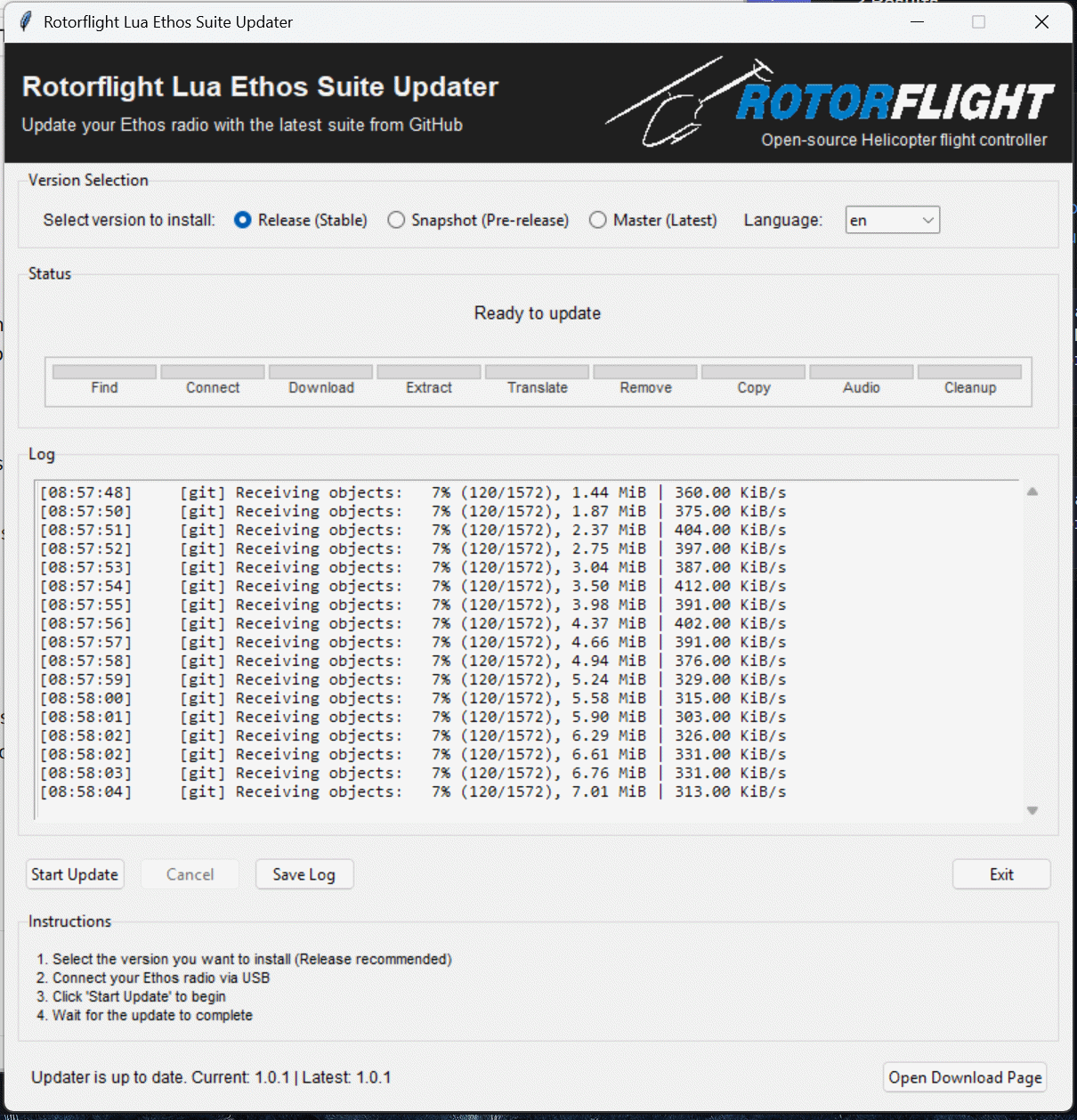
Updater binaries are published on GitHub Releases, but only when:
- a release is created, or
- the updater source is updated and a release is produced
This means the exact binary link can change or be missing on older releases. Use the Releases page to pick the matching version:
https://github.com/rotorflight/rotorflight-lua-ethos-suite-updater/releases
Asset names (when present):
- Windows:
rotorflight-lua-ethos-suite-updater-<version>-windows-<arch>.zip - macOS:
rotorflight-lua-ethos-suite-updater-<version>-macos-<arch>.zip - Linux:
updater-ubuntu-latest(workflow artifacts; not yet attached to releases)
If a release does not include updater assets, the binaries were not rebuilt for that tag. In that case, use the most recent release that includes the updater artifacts or build locally (see below).
If you would like a newer build, download the tool from GitHub Actions artifacts.
Note: The updater is published for Windows, macOS, and Linux.
Compilation requirements:
- Windows build host (PyInstaller target).
- Python 3.x on PATH.
- PyInstaller installed:
pip install pyinstaller - From
src, run:make.cmd - Output EXE:
rotorflight-lua-ethos-suite-updater.exe
Optional build inputs:
src/icon.ico(embedded icon used bymake.cmd)
- The updater uses
tkinterfor the GUI. Ensure your Python install includes Tk support.- macOS: the python.org installer typically includes Tk.
- Linux: install your distro's
python3-tkpackage.
- HID support is optional. If
hid/hidapiis missing, the updater can still work when the radio is already mounted in storage mode. - For development runs on macOS/Linux, use:
src/run_updater.sh
- macOS icon: generate
icon.icnsfrom the Windows.icowith:python3 src/build_icon_icns.py