Repository navigation
Database Editor
Database Editor gives you the capability to manage a database with an editor. After started or connected to Mongo server, you can see databases tree items in the Mongo Server View.
To open databse editor, double click on teh database and open the contextual menu Open item. The database editor is composed with several pages :
- Overview page : gives an overview of the database.
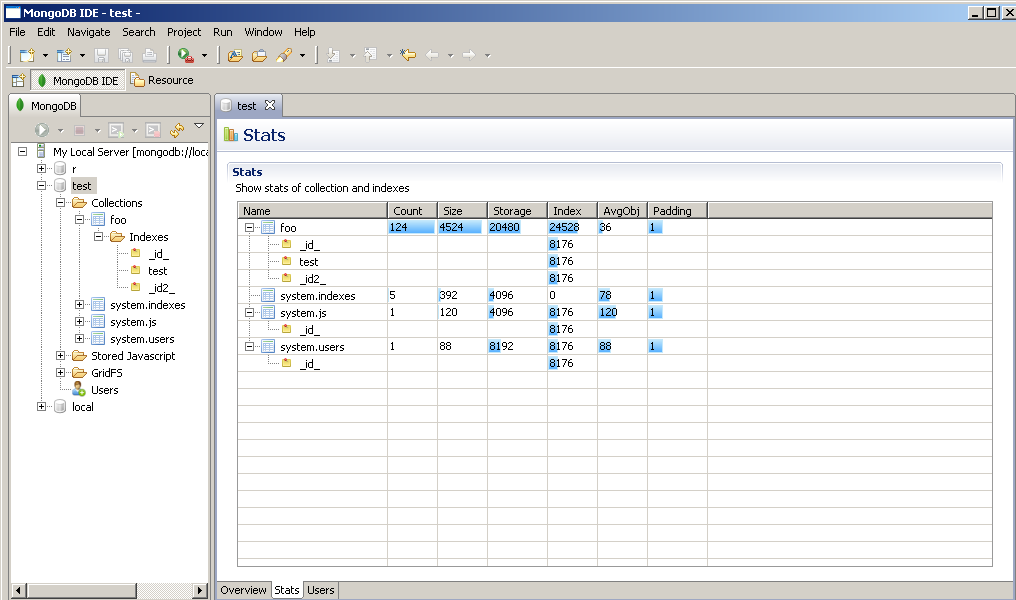
- Stats page : displays stats (collections+indexes) of the database.
- Users page : manage users of the database.
Here a screenshot of the Overview page :
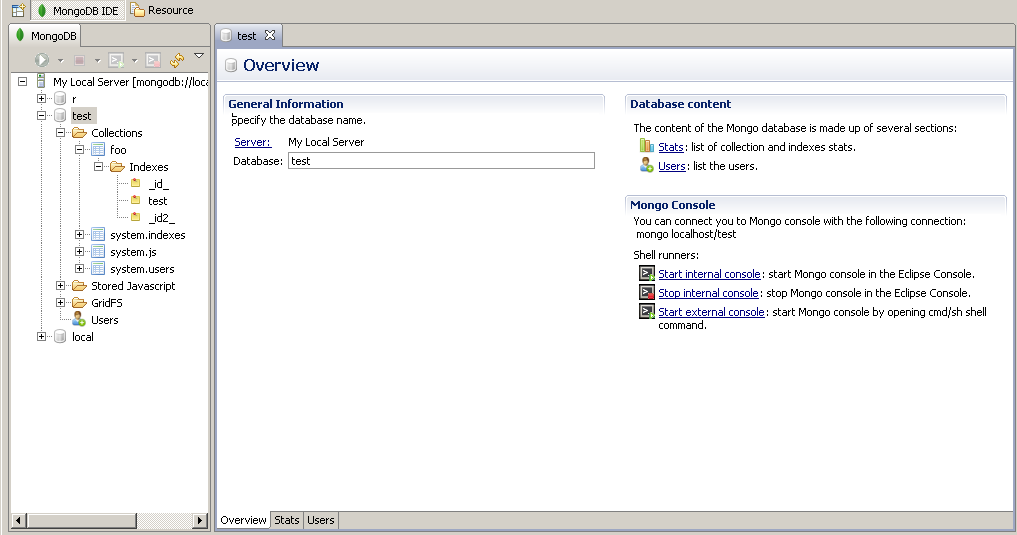
If you have configured a Mongo Runtimes, Mongo Console section gives you the capability to open a Mongo console :
- in the Eclipse console.
- in a Shell bat/sh.
Here a screenshot of the Stats page
TODO