Conversation


|
@copilot the vertical size of the project and build sections should be the same and should be locked. There should be scroll areas to allow this to happen. The buttons to add/modify files is not rendering correctly. Provide a few screenshots with the fix and add dummy data to show the page with different tabs |
Agent-Logs-Url: https://github.com/mylonics/zephyr-ide/sessions/8fd7ca9f-7f24-44c3-84e2-621252d8a7e4

Co-authored-by: rijesha <7819200+rijesha@users.noreply.github.com>
Implemented in commit Changes made:
Screenshots: |
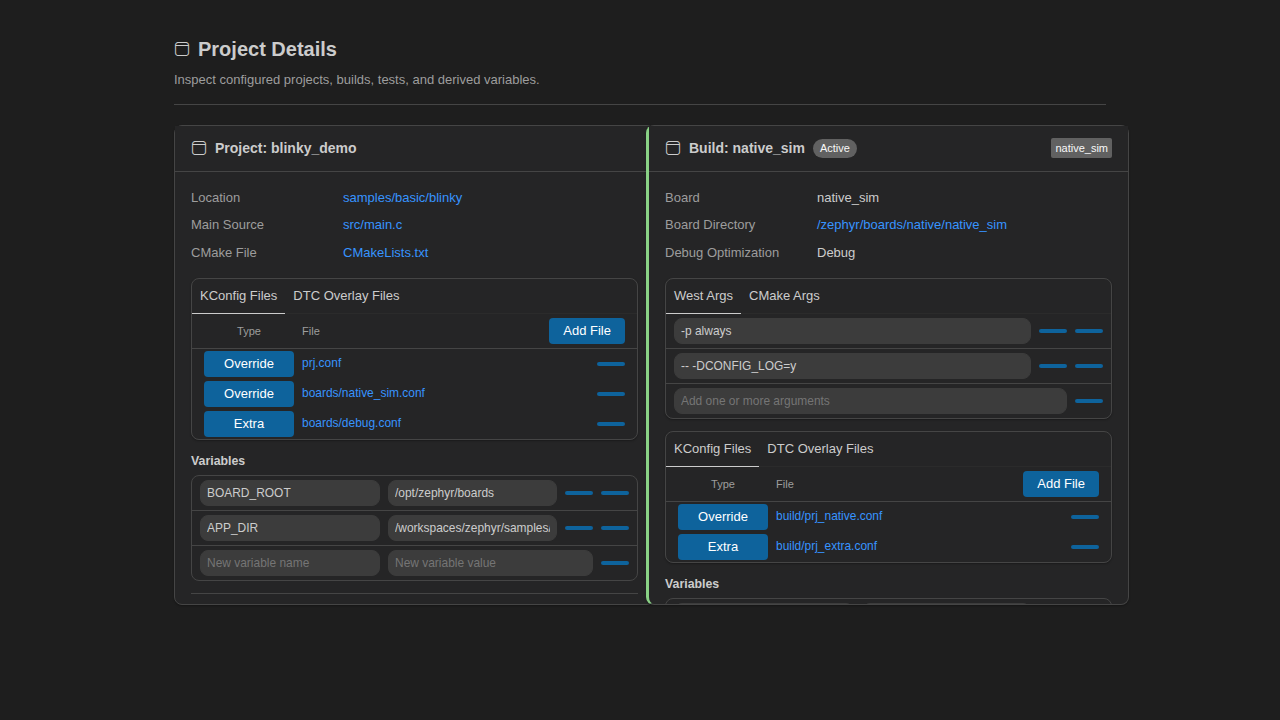
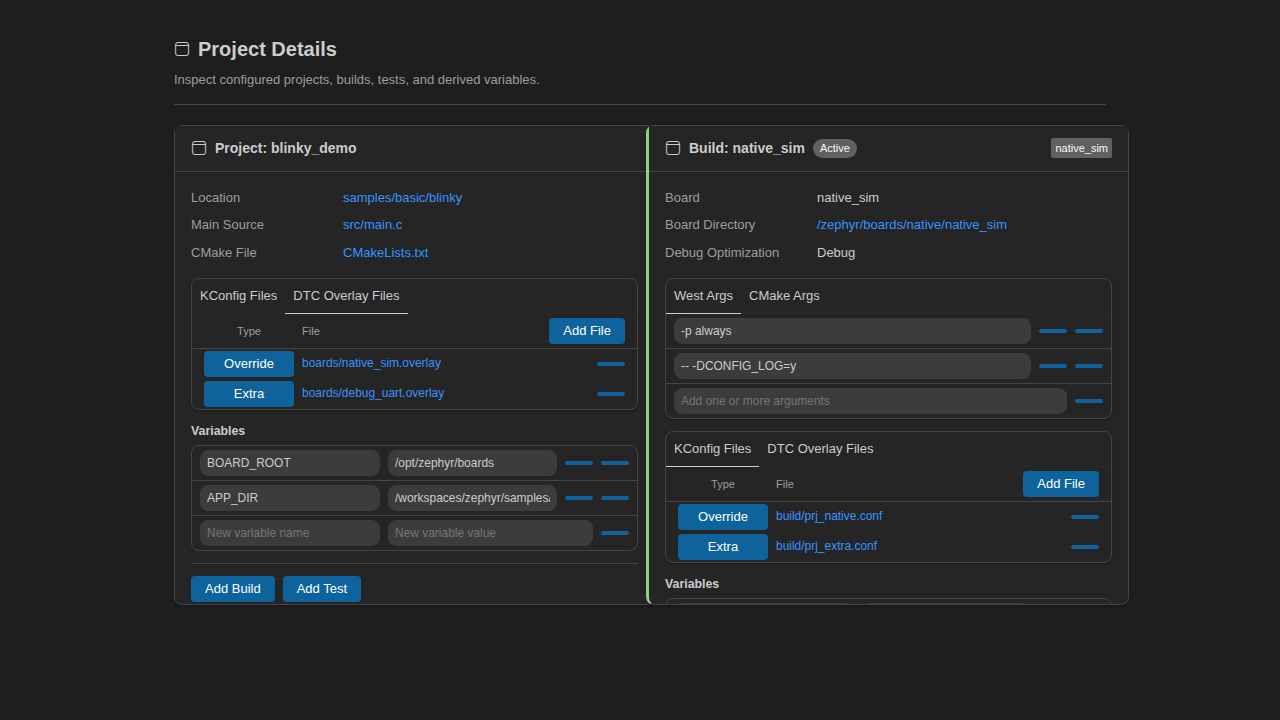
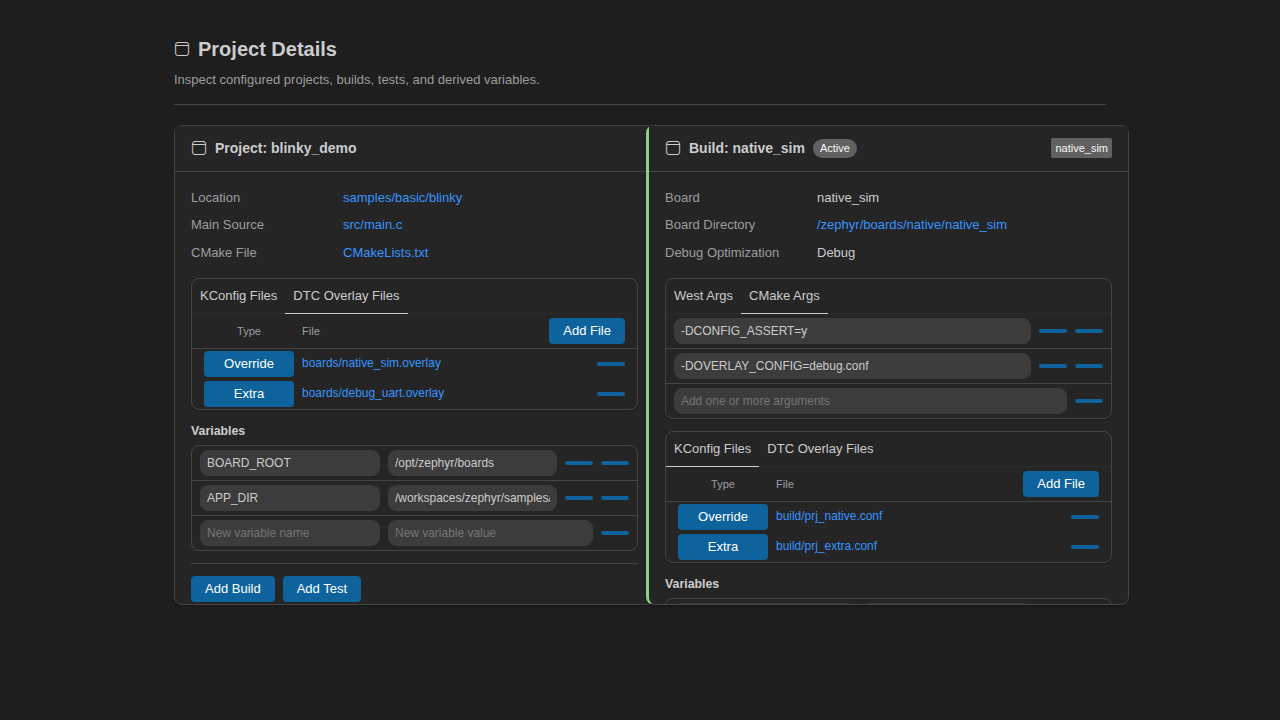
|
Redo do the screenshots, but have it rendered to what it will exactly be in vscode. |
|
@copilot see comment |
Agent-Logs-Url: https://github.com/mylonics/zephyr-ide/sessions/8acf28d4-f23b-4c8b-bf74-6d6e0c774cad

Co-authored-by: rijesha <7819200+rijesha@users.noreply.github.com>
Updated in commit
Addressed in commit
|
|
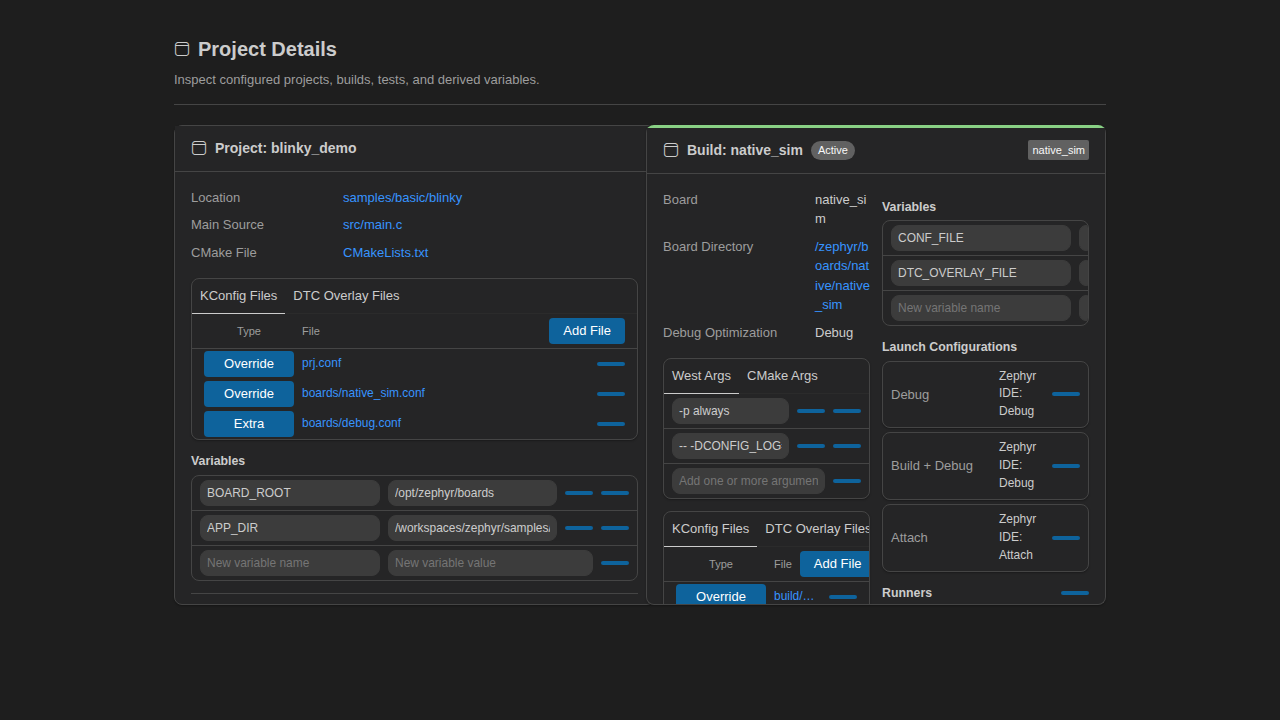
@copilot the build page doesnt have to be a single collumn it could be two collumns as there is more info associated with the build than the project. |
Agent-Logs-Url: https://github.com/mylonics/zephyr-ide/sessions/8f4a1292-4e24-49c8-b3da-ceaf83977437

Co-authored-by: rijesha <7819200+rijesha@users.noreply.github.com>
Implemented in commit I switched the Build panel to a two-column layout (responsive back to one column on narrower widths) so the additional build info uses space better. The lines you called out were the left-side accent borders on build/test sections; I removed those and changed them to top accents so they don’t appear next to the fields.
|

No description provided.