
Display your RescueTime productivity pulse (and more!) on your Mac menu bar. Based on BitBar.
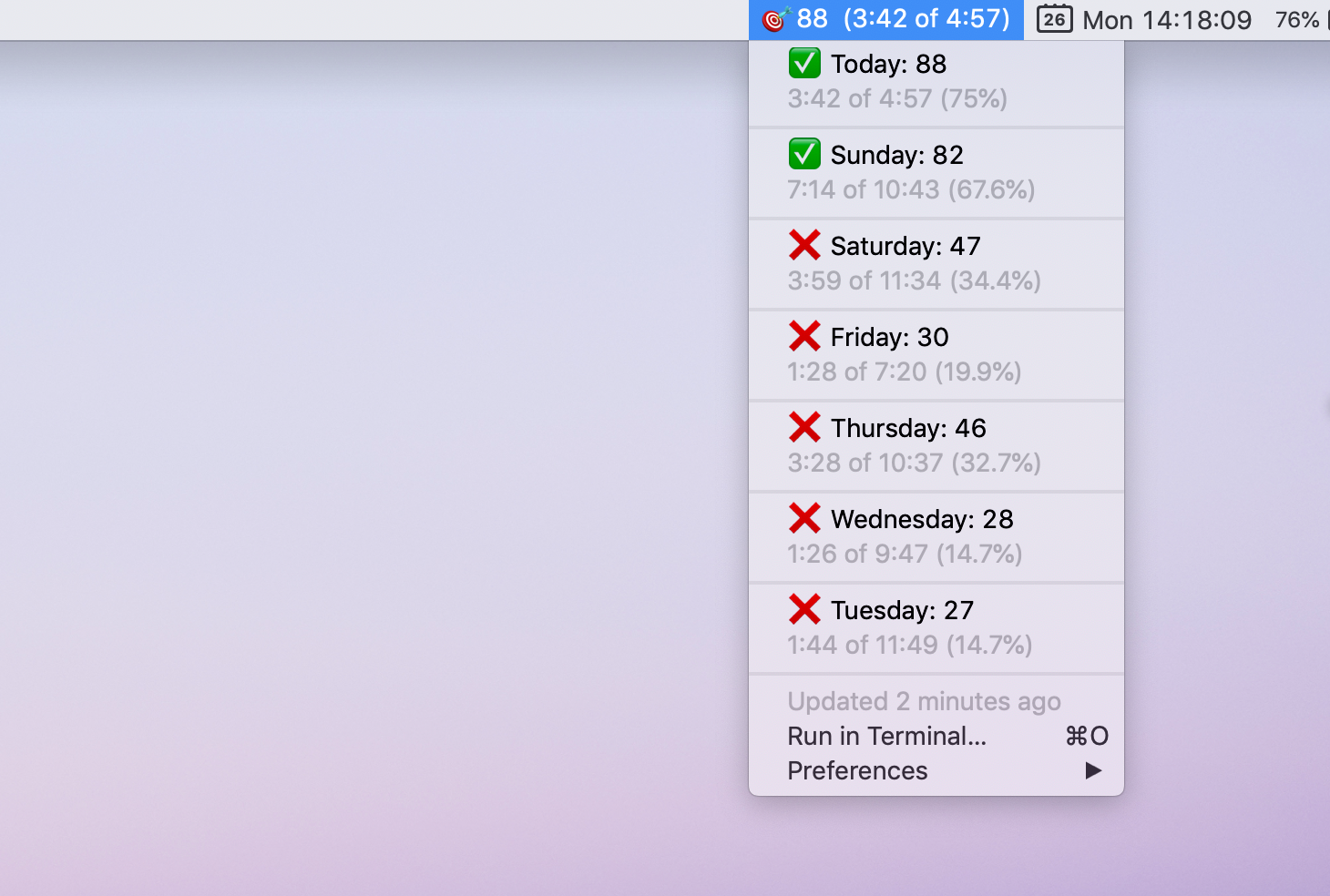
This plugin displays your “productivity score,” and how much time is “very productive” of total hours logged. The drop down menu shows you your “productivity score” and percentage of your time that was “very productive” over the past seven days. If your score is above 70, you get a check mark for that day (67% is the average)!
Read more about the background of this project nad how it is impacting my productivity here.
- Download the latest version of BitBar.
- Copy it to your Applications folder and run it.
- Follow the prompts to create and select a plugins folder.
- Download this plugin and move to your plugins directory.
- Create a new API key from your RescueTime account here.
- Store the key in
~/Library/RescueTime.com/api.key. - Hit
Refreshfrom one of the BitBar menus.