
 |
 |
|---|---|
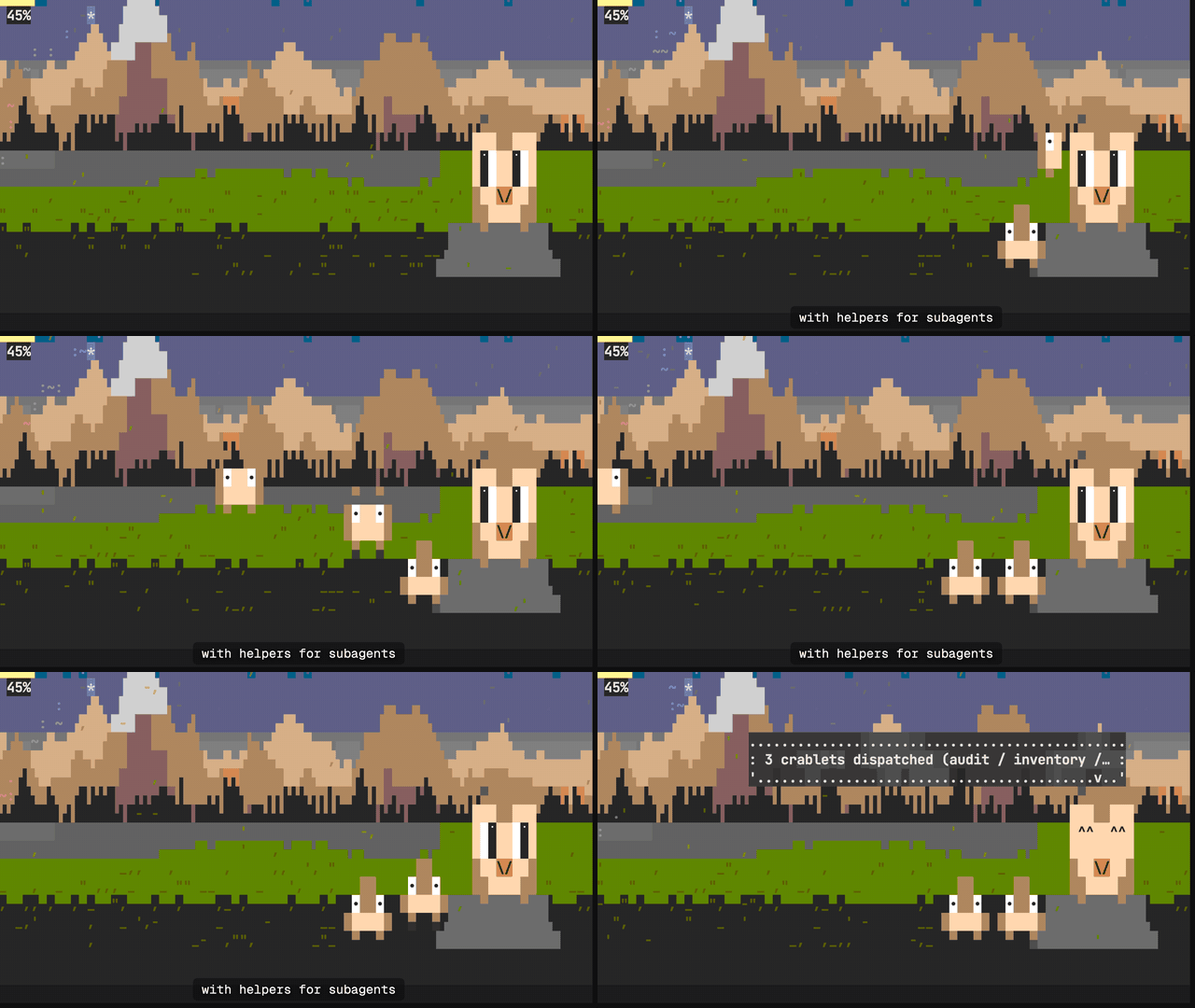
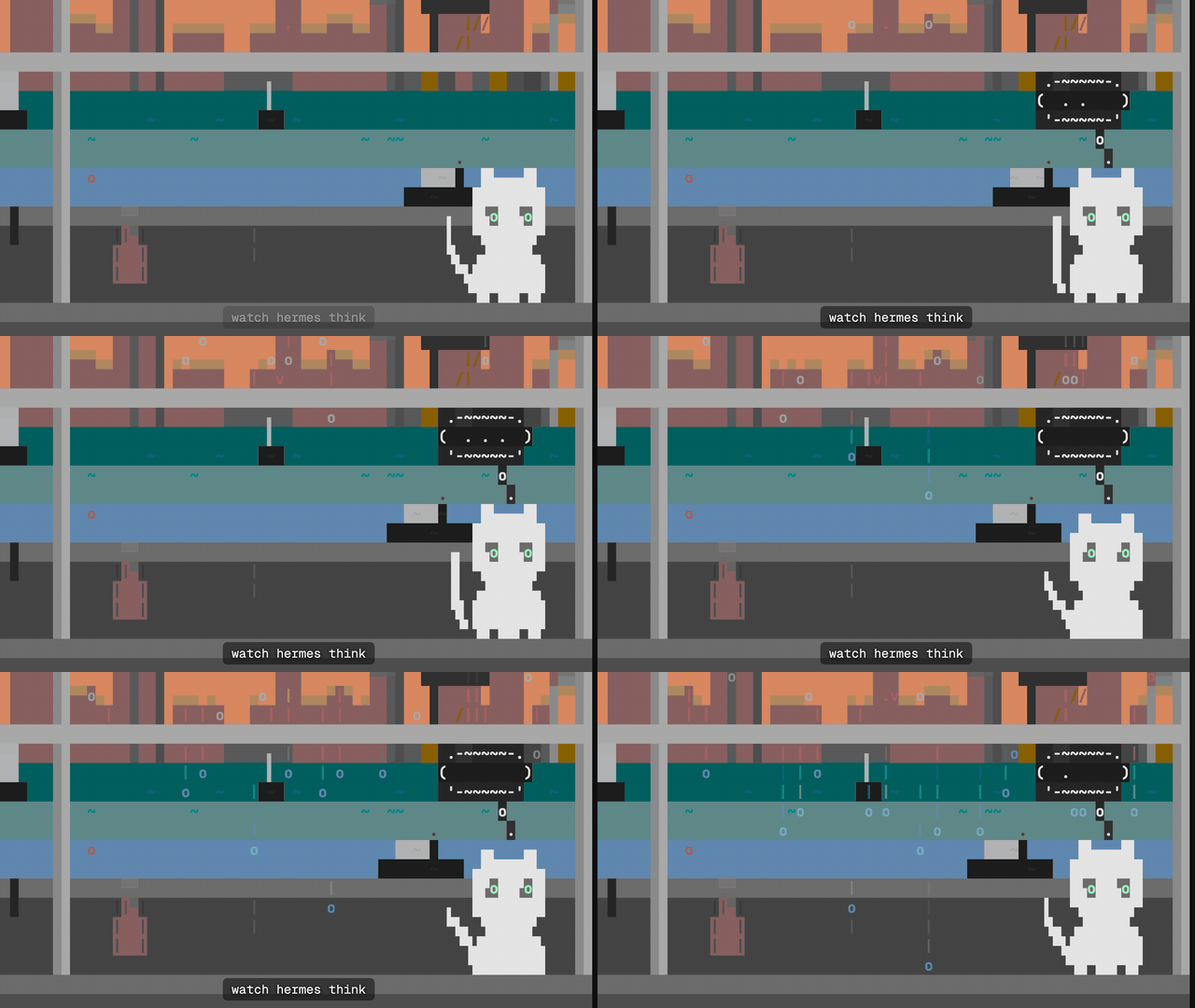
| See your subagents at a glance. Choose your companions, and watch them arrive for each subagent and leave when it's done. | Watch it think. A thought cloud rises over the cat while the model thinks. |
 |
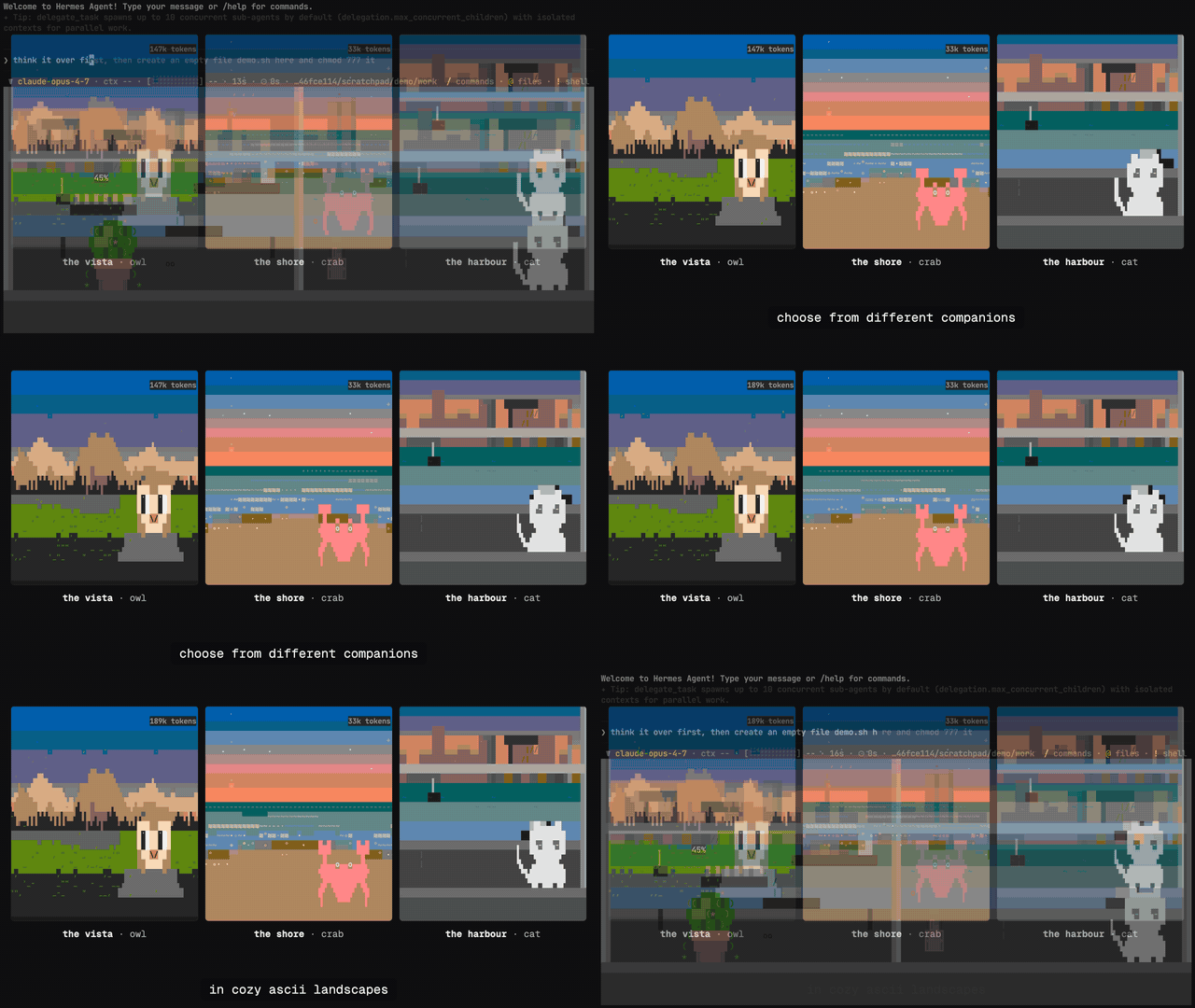 |
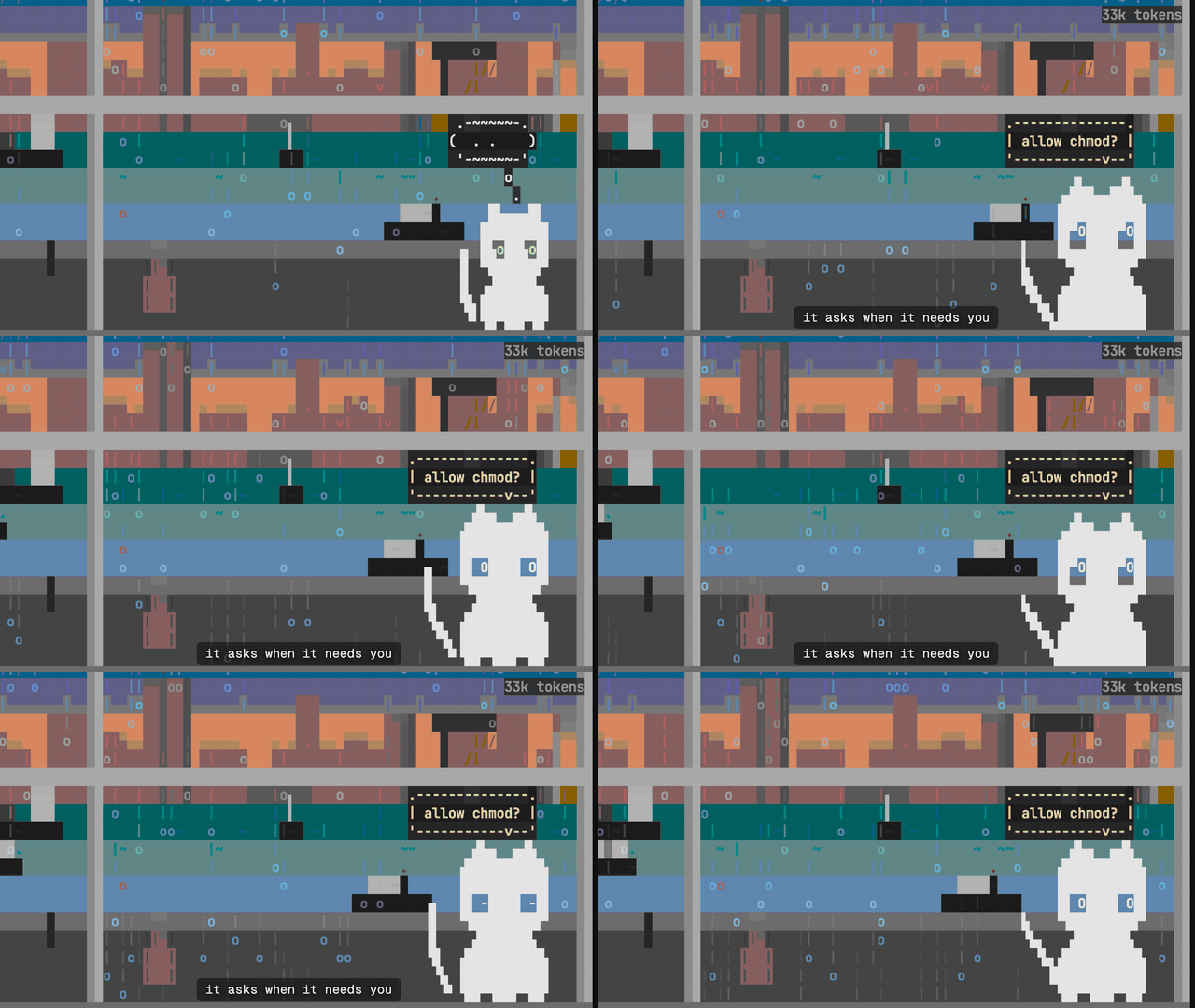
| Leave the room. A balloon and a sound when Hermes needs an answer: an approval, a question or a password. | Three scenes, each with its companion: the vista and the owl, the shore and the crab, the harbour and the cat. |
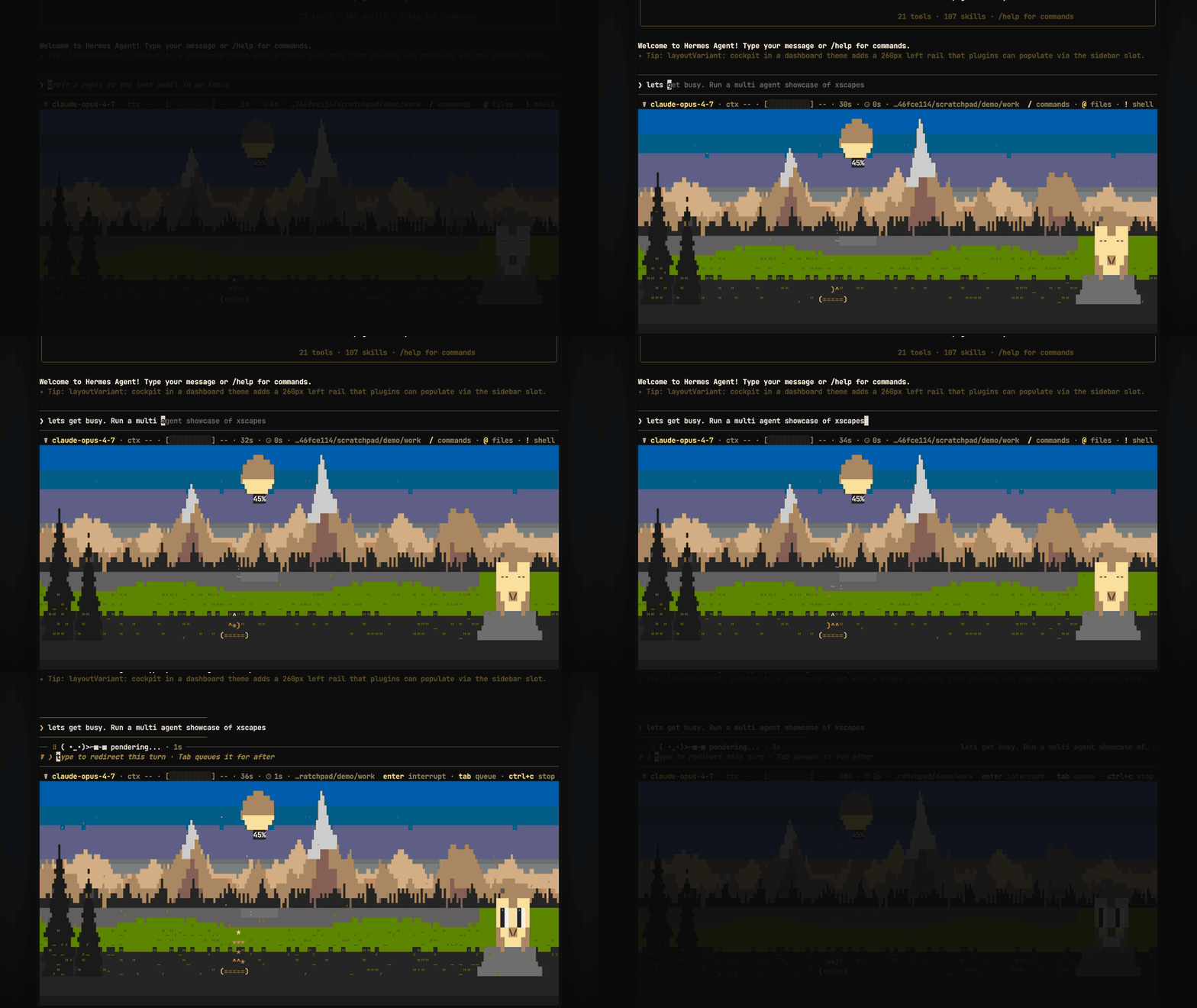
The harder Hermes works, the stronger the wind, the higher the sea or the heavier the rain. The moon sinks as the context window fills, and a star lights for every finished turn or todo.
More scenes and the manual: https://donlucasx.github.io/xscapes/
-
Install xscapes (macOS and Linux):
curl -fsSL https://donlucasx.github.io/xscapes/install.sh | sh -
Install the plugin:
hermes plugins install xscapes --enable -
Run Hermes inside the scene:
xscapes hermes
Switch scenes with xscapes scape vista|shore|harbour and companions with
xscapes companion crab|cat, even mid-session.
If you used xscapes install hermes before, run xscapes uninstall hermes
so events don't arrive twice.
- Runs a program. Each time Hermes reports an event (a hook), it starts
xscapes hook <event> hermesand hands it the event as JSON: the event name, the tool name and its arguments, approval commands and their outcome, durations, the session id and the folder Hermes is running in. It doesn't wait for it, and never blocks, edits or approves anything. - Finds the program in
XSCAPES_BIN, then onPATH, then at~/.local/bin/xscapes. Without it, every hook does nothing and logs one warning. - Reads one file outside its folder: Hermes's
config.yaml, to warn about the old shell hooks. - Sends model calls as metadata only: the token usage, the model's name and provider and the context window size, plus its own running token total, never the response or the message.
- Keeps the conversation in Hermes. From each turn it sends only the first line of your prompt and of the reply, cut to 120 characters.
- Passes on only the settings xscapes needs:
PATH,HOME,LANG,LC_ALL,TERM,XDG_CONFIG_HOME,TMPDIRand xscapes's ownXSCAPES_*settings. Your provider keys and the rest of Hermes's environment never reach it. - Sends nothing over the network. xscapes keeps events in
~/.config/xscapes/on your machine.
MIT. Scenes and source: https://github.com/donlucasx/xscapes