





FlxScaledSliceSprite is a small extension of FlxSliceSprite from HaxeFlixel that adds support for scaling the source texture before slicing.
This means you can work with a small base graphic and scale it up cleanly at runtime — no need to manually author higher-resolution versions of every UI asset.
Perfect for games with a UI scale setting (think Minecraft-style scaling), where your interface needs to scale up crispy and pixel-perfect without blurring or misaligned slice borders.
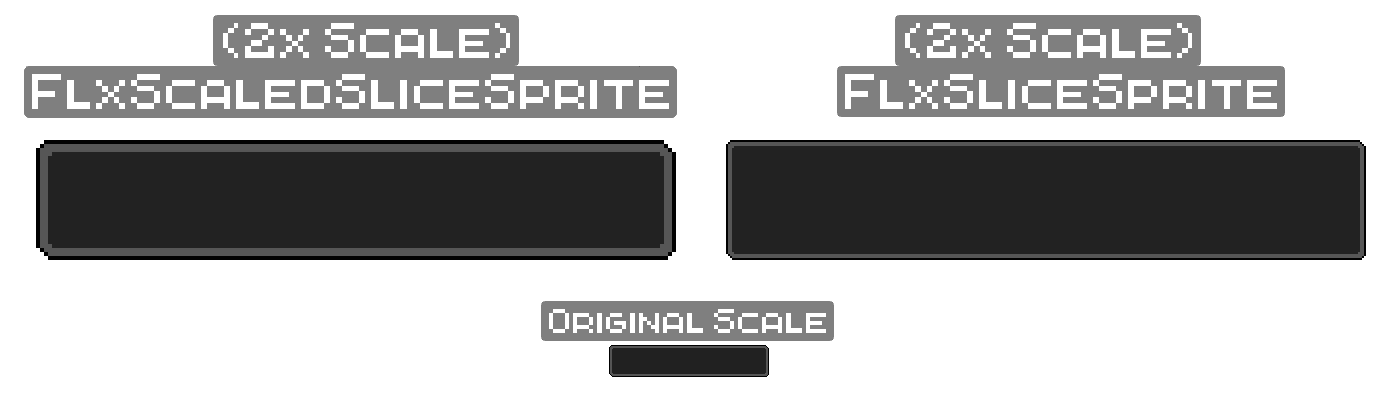
- Scales the source texture before 9-slicing, preserving crisp pixel edges
- Automatically adjusts the slice rectangle to match the scaled bitmap
- Accepts
FlxGraphicAsset— pass a path,BitmapData, orFlxGraphicdirectly - Supports
Floatscale multipliers (e.g.1.5,2.5) - Scaled bitmaps are cached — no redundant work if you create multiple instances at the same scale
- Exposes
scaleMultas a readable field after construction - Built by a HaxeFlixel user for HaxeFlixel users :3
haxelib install flxscaledslicespriteOr directly from GitHub:
haxelib git flxscaledslicesprite https://github.com/TracedInPurple/FlxScaledSliceSprite.gitimport tracedinpurple.ui.FlxScaledSliceSprite;
var asset = "assets/ui/box.png"; // can be a path / bitmapData / FlxGraphic
var slice = new FlxRect(3, 3, 10, 10); // x, y, width, height of the center slice region
// Create a new SlicedSprite with a scaling Factor of 2, and a final width/height of 200x100
var scaledSprite = new FlxScaledSliceSprite(asset, slice, 2, 200, 100);
add(scaledSprite);Use resize() to change dimensions and update the hitbox in one call:
scaledSprite.resize(300, 150); // sets the width/height of the sprite to 300x150Or manually if you prefer:
scaledSprite.width = 300;
scaledSprite.updateSlicedHitbox();Stretch all nine regions at once:
scaledSprite.stretchAll();Or reset them:
scaledSprite.stretchNone();Or do them invidivually:
scaledSprite.stretchTop = true;
scaledSprite.stretchCenter = false; // and so on...The scaleMult used at construction is publicly readable:
trace(scaledSprite.scaleMult); // e.g. 2If you ever want to have fun with Tweens, here's some examples. (I have no idea why im adding it here, but it's still something cool so...)
// you can use width/height together aswell | {width: 100, height: 300}
FlxTween.tween(sprite, {width: 400}, 1.0, {
	ease: FlxEase.cubeInOut,
	onUpdate: _ -> {
		sprite.resize(sprite.width, sprite.height);
		sprite.screenCenter();
	},
	type: FlxTweenType.PINGPONG
});
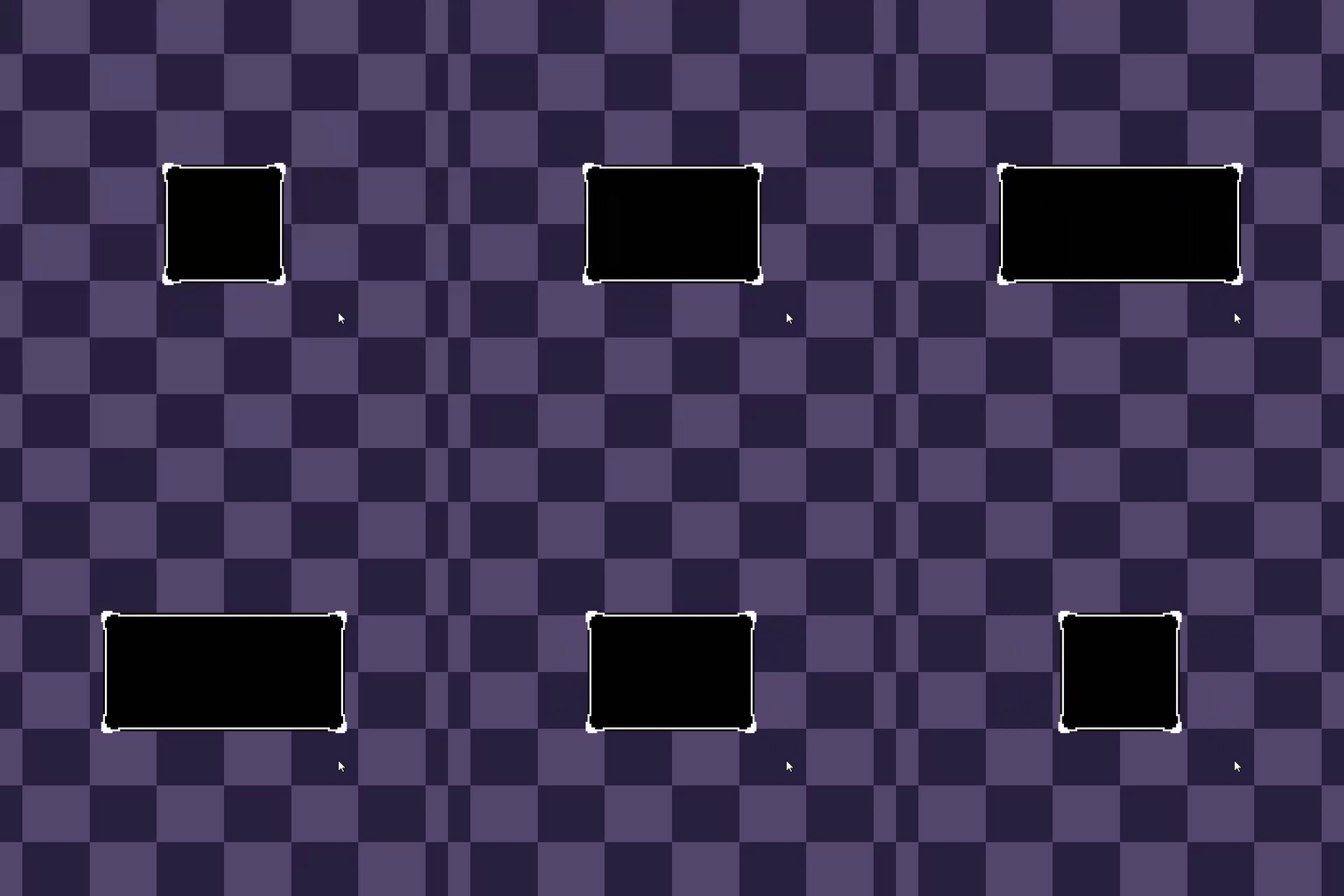
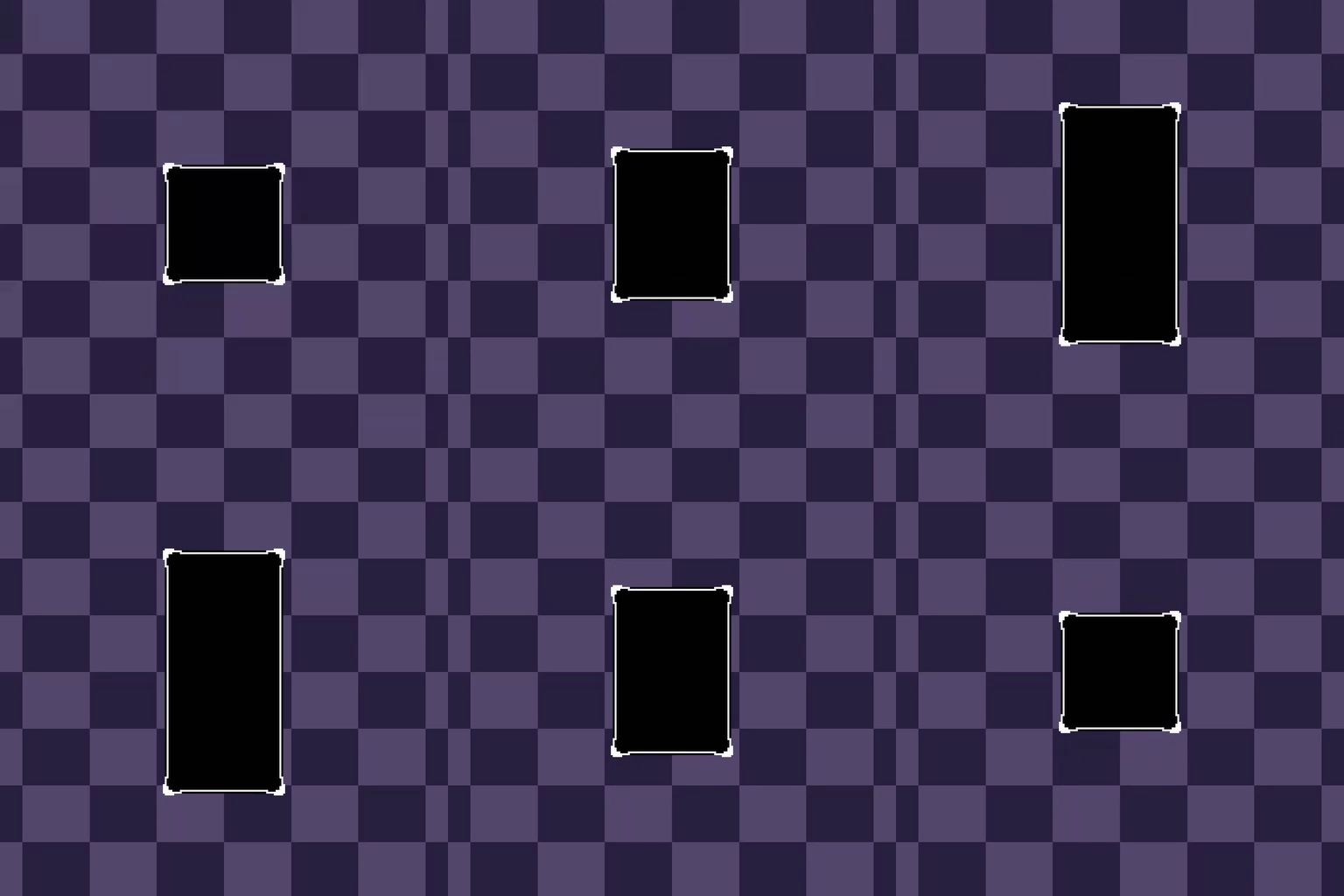
// the possibilities are endless here, so go crazy whenever
FlxTween.tween(sprite, {width: 400}, 1.0, {
	ease: FlxEase.cubeInOut,
	onUpdate: _ -> {
		sprite.resize(sprite.width, sprite.height);
		sprite.screenCenter();
	},
	type: FlxTweenType.PINGPONG
});
FlxTween.tween(sprite, {height: 400}, 1.0, {
	ease: FlxEase.cubeInOut,
	startDelay: 0.4,
	onUpdate: _ -> {
		sprite.resize(sprite.width, sprite.height);
		sprite.screenCenter();
	},
	type: FlxTweenType.PINGPONG
});
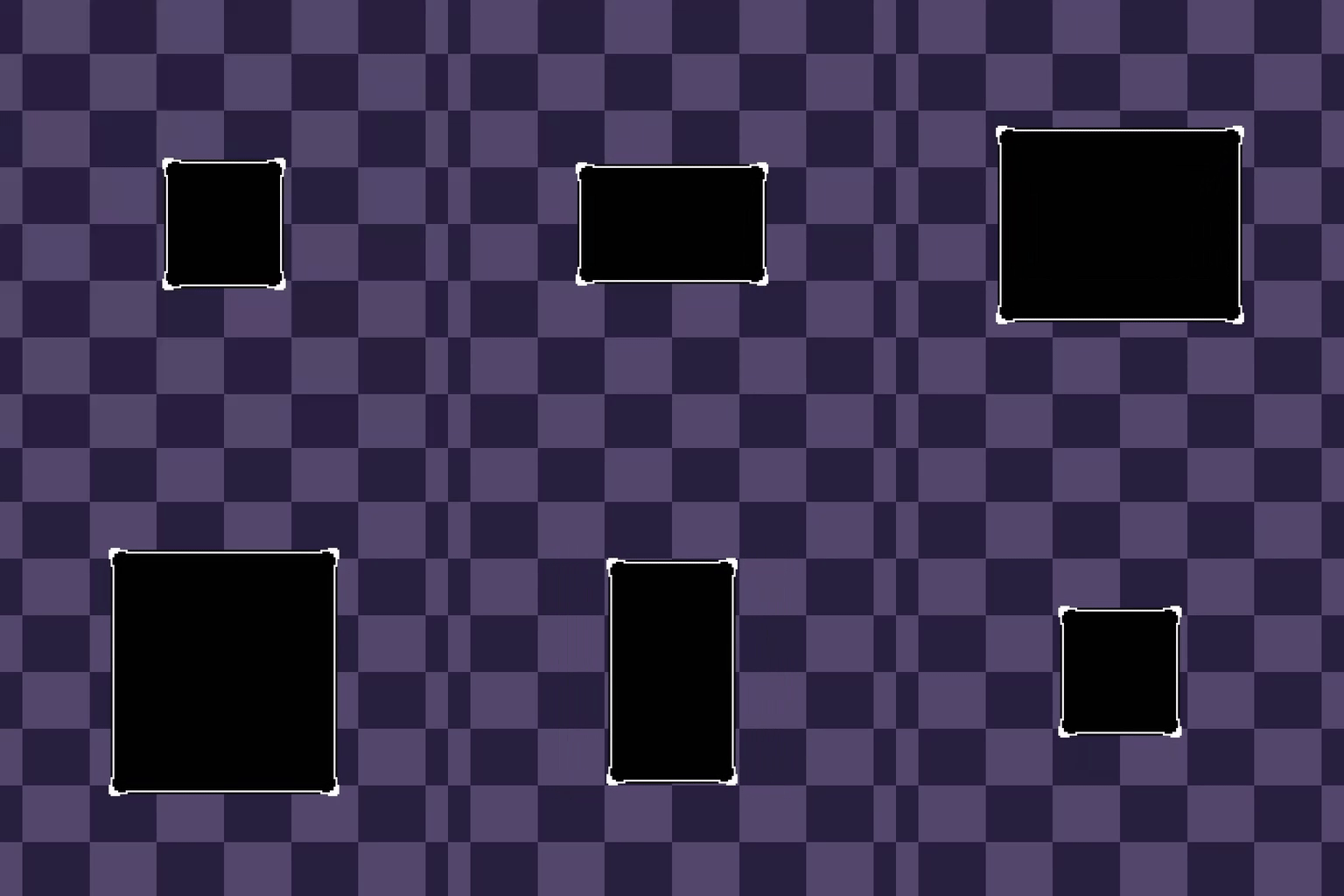
There is really no limit with what you can do so, have fun with it!!!
Pull requests are welcome! Found a bug or have a suggestion? Open an issue.
Font by Qrafty — check it out on their Ko-Fi.
MIT — see LICENSE for details.