A beautiful terminal UI tool for quickly switching between Kubernetes clusters in Rancher environments.
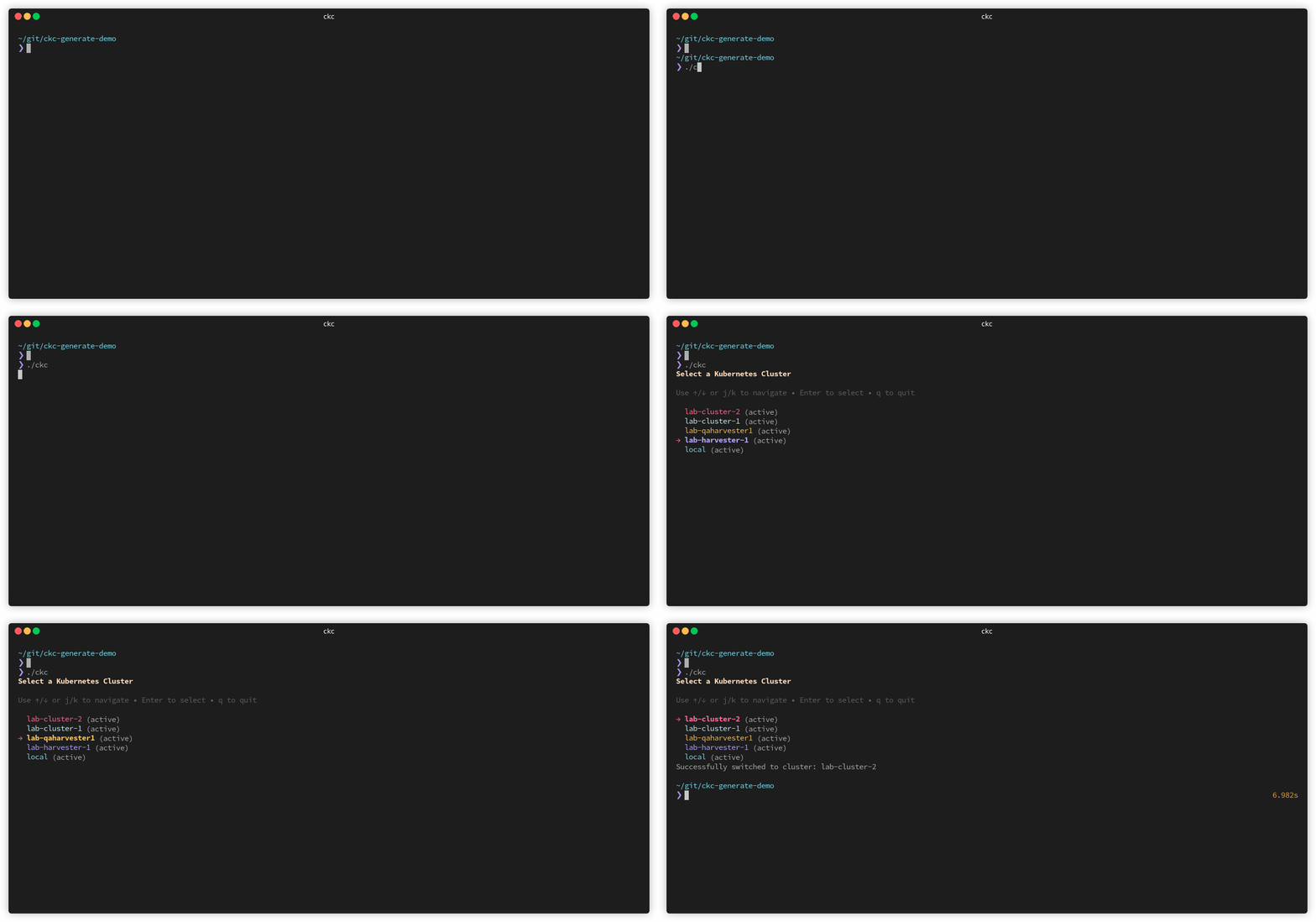
- 🎨 Beautiful terminal UI with colorful cluster display
- 🔐 Secure credential storage with AES encryption
- 🔄 Automatic token refresh and session management
- ⚡ Fast cluster switching with interactive selection
- 🎯 Simple keyboard navigation (↑/↓ or j/k)
- 💾 Persistent configuration with automatic kubeconfig updates
- Go 1.16 or higher
- Access to a Rancher instance
- Valid Rancher credentials
# Clone the repository
git clone https://github.com/devsymo/ckc.git
cd ckc

# Build the binary (linux)
GOOS=linux GOARCH=amd64 go build -o ckc main.go

# Optional: Move to your PATH
sudo mv ckc /usr/local/bin/
`
Simply run the command:
ckcOn first run, you'll be prompted to enter:
- Rancher URL (e.g.,
https://rancher.example.com) - Username
- Password
These credentials are encrypted and stored locally in ~/.ckc_config.
↑/↓orj/k- Navigate through clustersEnter- Select and switch to clusterqorCtrl+C- Quit
Configuration is stored in ~/.ckc_config:
{
  "rancher_url": "https://rancher.example.com",
  "username": "your-username",
  "encrypted_password": "base64-encrypted-string",
  "token": "rancher-api-token",
  "token_expiry": 1234567890
}- Bubble Tea - Terminal UI framework
- Lip Gloss - Style definitions
- golang.org/x/term - Terminal utilities
Note: While passwords are encrypted, they can be decrypted on the same machine by the same user. For production environments, consider using external secret management solutions.
Contributions are welcome! Please feel free to submit a Pull Request.